Assign a programme activity
Last updated: July 18, 2026
Before you begin
Section titled “Before you begin”Sign in, open a project with an existing programme activity, and confirm that the intended assignee is already an active project participant.
Permission note
Section titled “Permission note”You need permission to update tasks in the project. The assignee list contains project contacts available to your role.
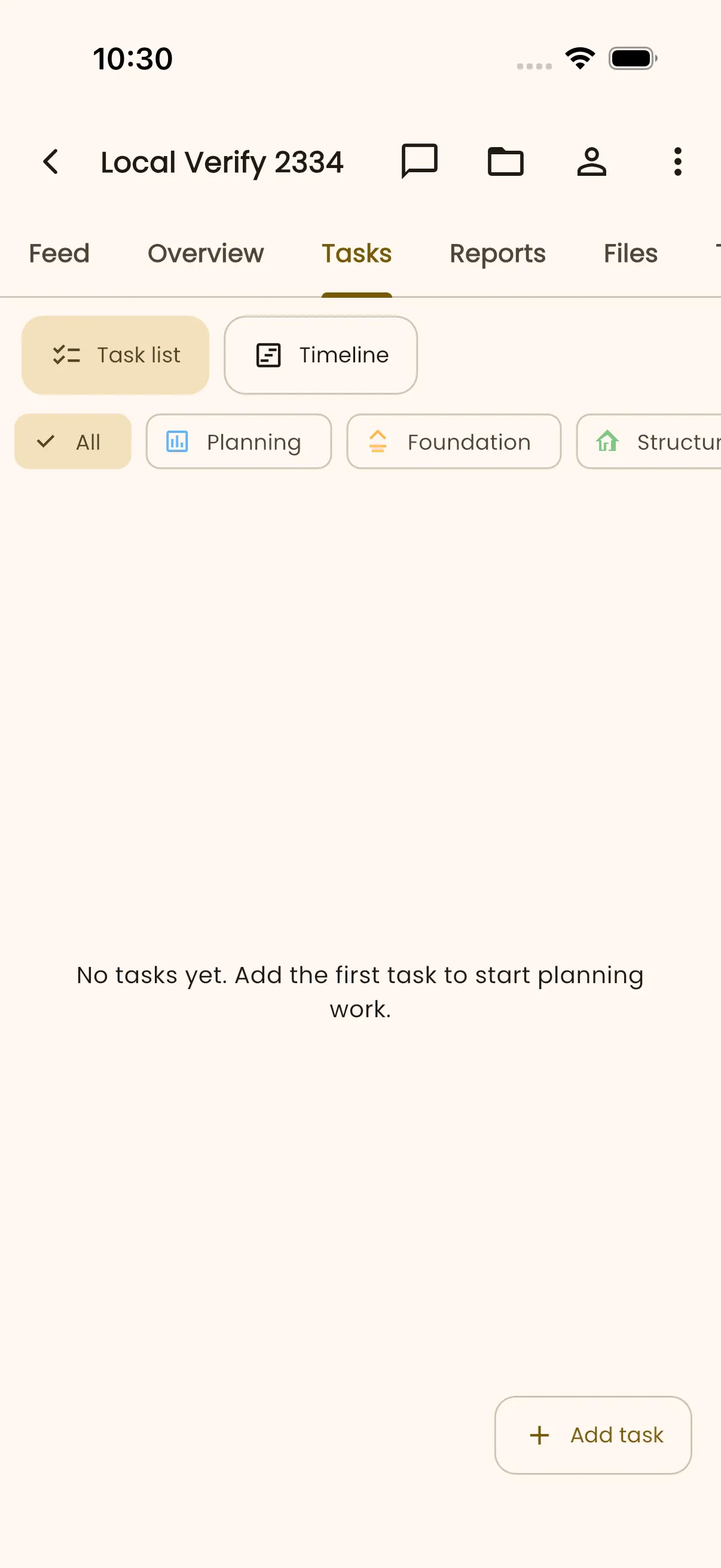
- Open the project Tasks tab.
- Select the activity you want to assign.
- Open Assignee, then select one or more active project participants in Assign Task.
- Save the activity changes.
Expected result
Section titled “Expected result”The selected participants appear as assignees on the activity and in task views that show assignment information.
Troubleshooting
Section titled “Troubleshooting”If Assignee is unavailable, ask a project administrator to review your task-update permission. If a person is missing, confirm that they have joined the project before trying again.