Update your profile
Last updated: July 17, 2026
Before you begin
Section titled “Before you begin”Sign in to the account whose profile you want to update.
Permission note
Section titled “Permission note”You can edit your own profile. Profile changes do not grant project access or change a project role.
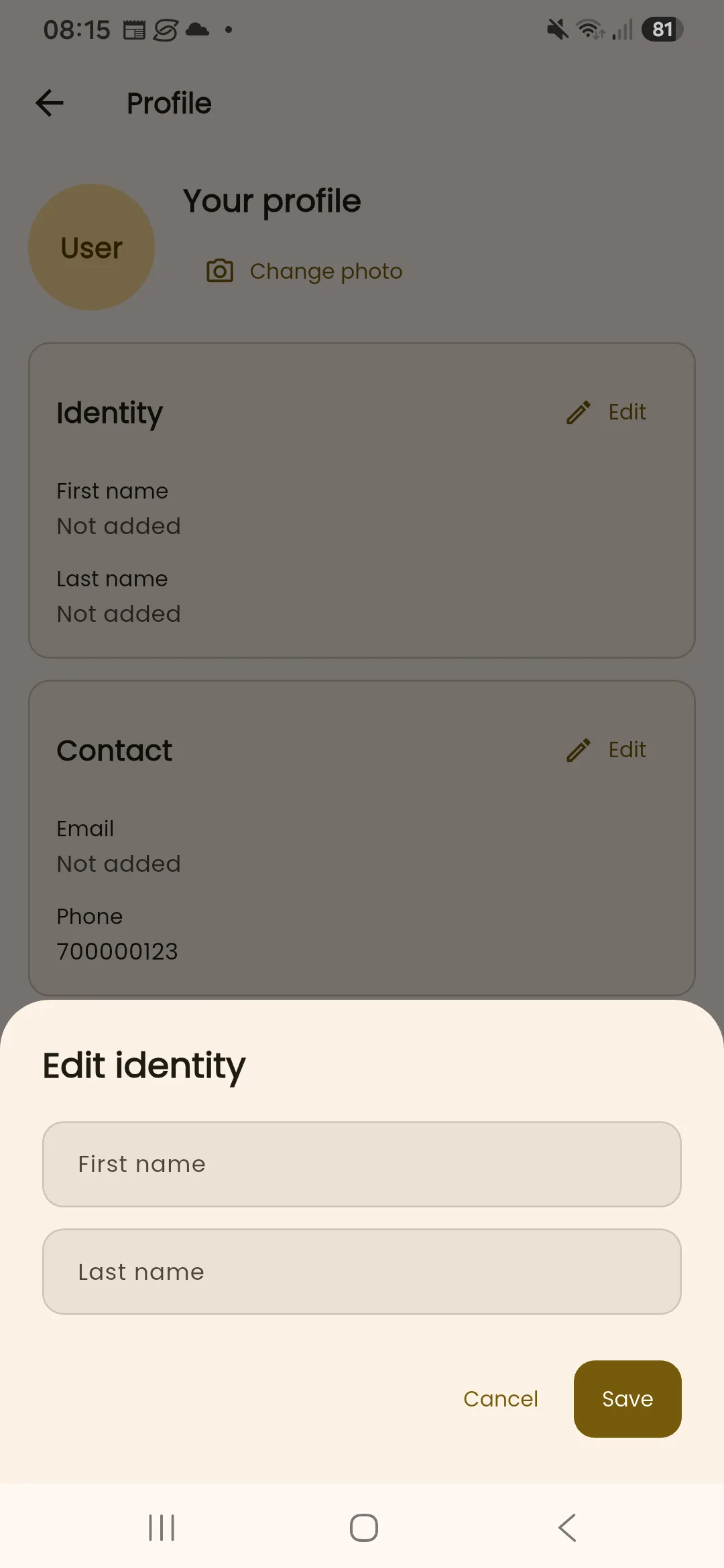
- Open your profile from the InBuildr navigation.
- Select Edit for Identity, Contact, or Professional details.
- Update the displayed fields and select Save.
- Use Change photo if you need to update the account image.
Expected result
Section titled “Expected result”The profile shows the saved information returned by the service, including any successfully uploaded photo.
Troubleshooting
Section titled “Troubleshooting”If the profile shows a loading error, use Retry. If saving fails, keep the form open, check the field values and connection, then try again; do not enter any raw database IDs because profile forms do not use them.